Should You Factory Reset Before Selling?
Why a factory reset is essential before selling your iPhone in Dubai — and exactly how to do it safely.
Short answer: yes — you should always factory reset your iPhone before selling it. It protects your personal data and lets the new owner set up the device without problems. But there’s a right way and a wrong way to do it — skip one critical step and the buyer could be left with a locked, unusable phone.
This guide explains why a factory reset before selling your iPhone matters, what can go wrong if you rush it, and the exact steps to wipe your device safely — the Dubai way.
Why Factory Reset Before Selling?
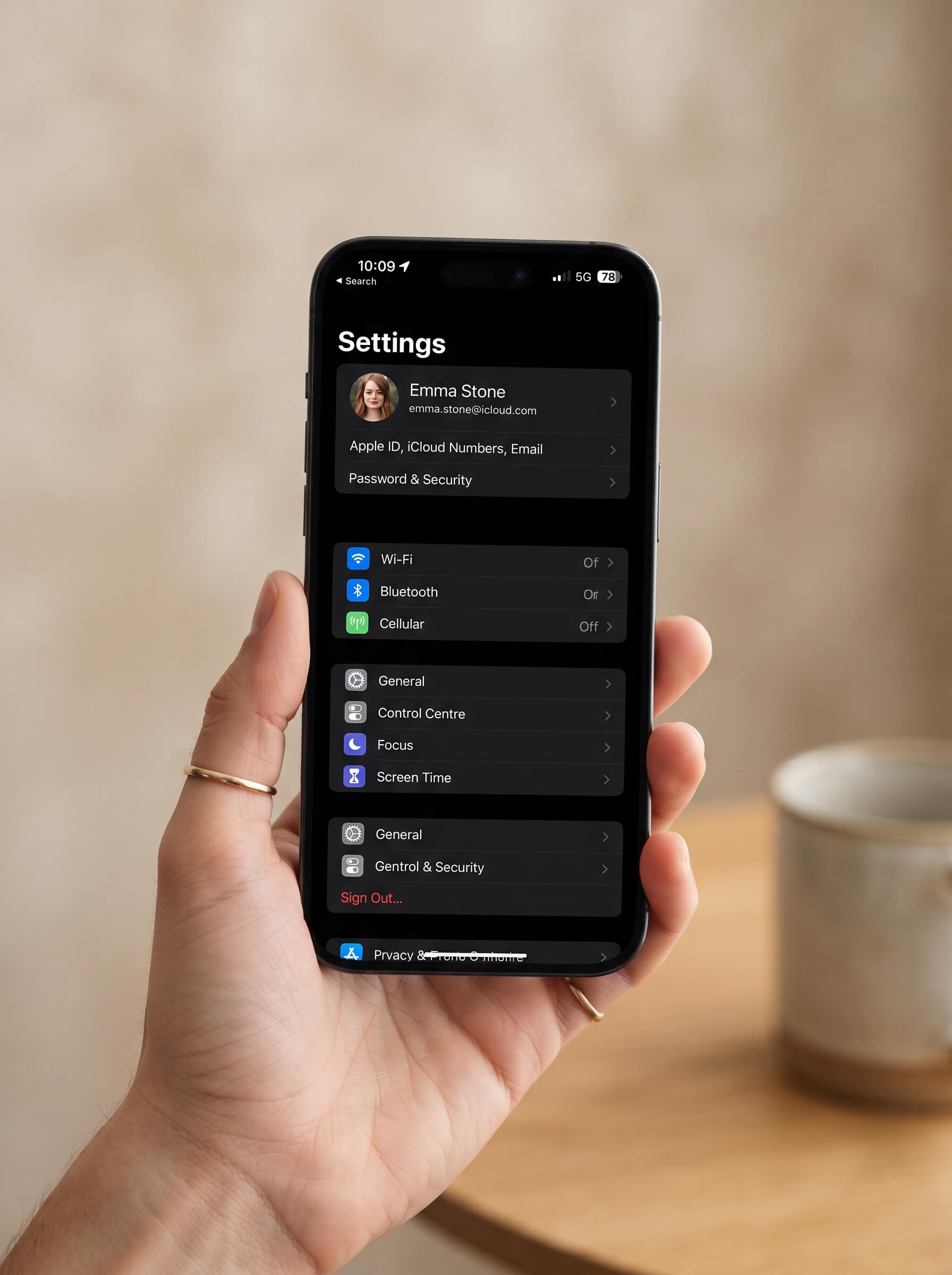
A factory reset erases all your content and settings and returns the iPhone to a like-new state. There are two big reasons it’s non-negotiable:
- Your privacy. Photos, messages, banking apps, passwords, and accounts all live on your phone. A reset makes sure none of it goes to a stranger.
- The buyer’s setup. Until you sign out and erase, the phone stays tied to your Apple ID. The new owner literally cannot use it (see Activation Lock below).
What Happens If You Don’t Do It Properly
The number-one problem buyers face with second-hand iPhones is a seller who erased the phone but forgot to sign out of iCloud. This triggers Activation Lock — a security feature that keeps the iPhone tied to your Apple ID even after a reset. The result: the buyer is stuck on the setup screen and the phone is useless to them until you remotely remove it.
That means a cancelled sale, an awkward callback, or a lower price. Doing the reset correctly the first time avoids all of it.
How to Factory Reset Your iPhone Before Selling (Step by Step)
Follow these in order — the sequence matters:
- Back up your data. Save everything to iCloud or a computer first (Settings > [Your Name] > iCloud > iCloud Backup). Once you erase, it’s gone.
- Sign out of iCloud (critical). Settings > [Your Name] > scroll down > Sign Out. Enter your Apple ID password. This is the step people forget — don’t.
- Turn off Find My. Signing out of your Apple account switches off Find My and removes Activation Lock. Confirm it’s off before erasing.
- Sign out of iMessage & FaceTime. Settings > Messages > toggle iMessage off, and Settings > FaceTime > toggle it off, so texts don’t keep routing to your old device.
- Unpair your Apple Watch. If a watch is paired, unpair it from the Watch app.
- Remove your SIM / eSIM. Take out the physical SIM, or remove the eSIM if you’re keeping your number.
- Erase all content and settings. Settings > General > Transfer or Reset iPhone > Erase All Content and Settings > confirm.
Tip: after erasing, the phone should restart to the “Hello” setup screen. If it asks for an Apple ID there, Activation Lock is still on — go back and sign out properly.
Activation Lock: The Step You Can’t Skip
Activation Lock is Apple’s anti-theft protection. It’s great for security, but it’s exactly why signing out of iCloud (Step 2) is the most important part of the whole process. As long as your Apple ID is attached, the phone can’t be reactivated by anyone else. Always confirm you’re fully signed out before handing it over.
Quick Pre-Sale Checklist
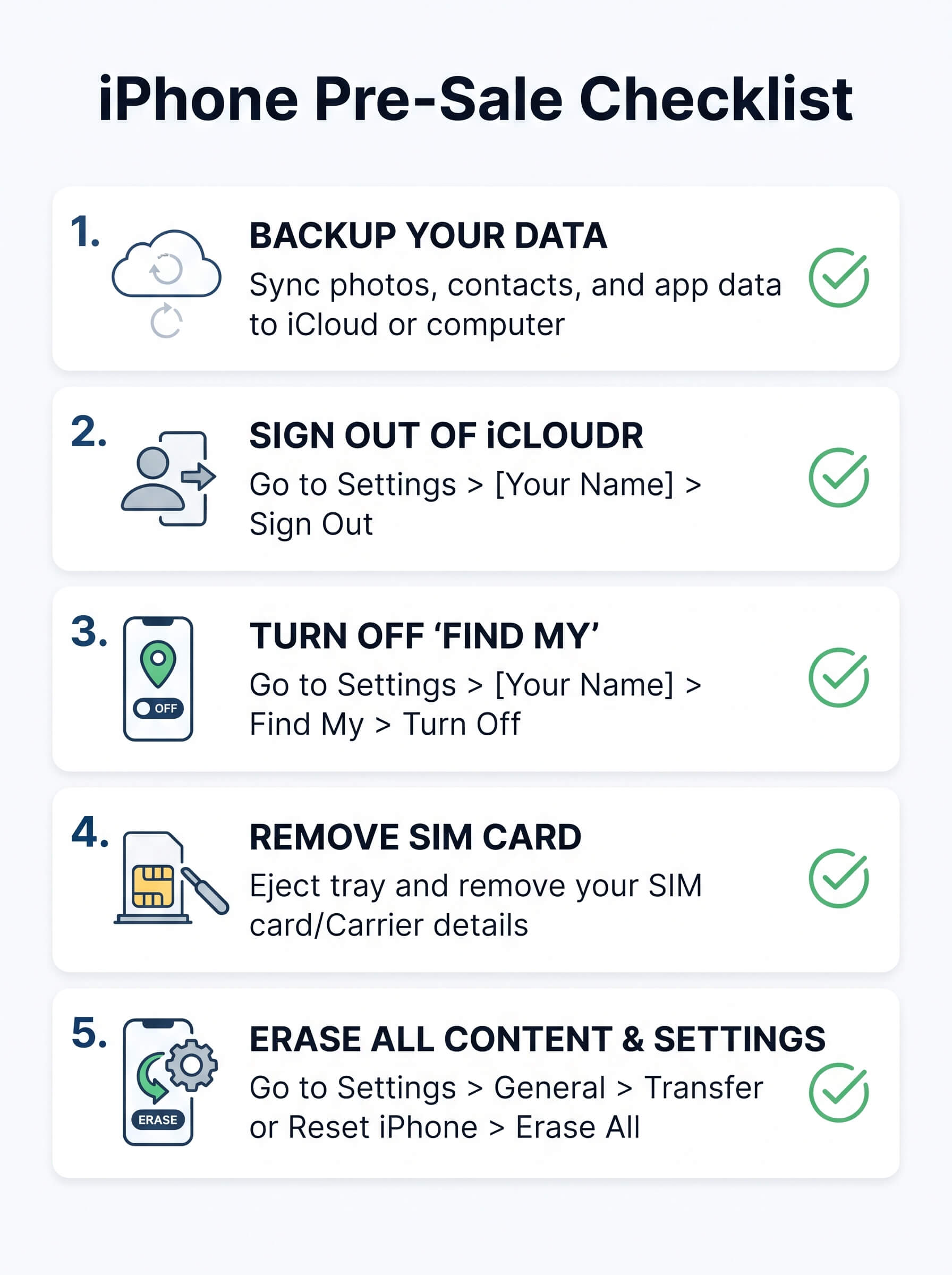
- Backed up your data
- Signed out of iCloud / Apple ID
- Find My turned off
- iMessage & FaceTime turned off
- Apple Watch unpaired
- SIM / eSIM removed
- Erased all content and settings
Selling to a Doorstep Buyer in Dubai
If you’re selling to a professional doorstep buyer, you can reset the phone before the pickup, or ask the team to help you do it securely at the point of sale. A good buyer performs a secure data wipe in front of you before payment, so your information is fully protected either way. If you’re unsure, it’s always safest to back up and sign out of iCloud yourself first.
Frequently Asked Questions
Should I factory reset my iPhone before selling it?
Yes, always. It protects your personal data and lets the new owner set up the phone. Just make sure you sign out of iCloud first to avoid Activation Lock.
What happens if I forget to sign out of iCloud?
The iPhone stays locked to your Apple ID (Activation Lock), and the buyer can’t use it until you remotely remove it from your account.
Do I lose everything when I factory reset?
Yes — a reset erases all content and settings, so back up to iCloud or a computer before you start.
Should I remove my SIM before selling?
Yes. Remove the physical SIM, or delete the eSIM if you want to keep your number.
Can the buyer wipe the phone instead of me?
They can reset it, but they cannot remove your Activation Lock — only you can by signing out of iCloud. So always sign out yourself before selling.
Final Thoughts
A factory reset before selling your iPhone is quick, free, and essential — it keeps your data private and makes the sale smooth for everyone. Back up, sign out of iCloud, turn off Find My, and erase. Do those in order and you’ll hand over a clean, ready-to-use device with total peace of mind.
Ready to sell? Get an instant quote, free doorstep pickup, and a secure data wipe before payment with SellMyPhone.ae across Dubai. You can also learn how to get the best price for your phone before you sell.